Trial balance & general ledger
The trial balance and general ledger behind every Estonian company report: posted entries with running balances, source links and CSV export for accountants.
Most days, the profit & loss and balance sheet tell you everything you need. These two views exist for the other days — when your accountant asks for the detail, when year-end is approaching, or when you simply want to see the working behind a number.
The trial balance: does everything add up?
Every transaction in Arvello is recorded twice — a debit in one account and a credit in another — the double-entry method accountants have relied on for five centuries. The trial balance is the resulting checklist: every account with its debit and credit totals, where the two sides must come out equal. If they do, the books are internally consistent; if not, something is off.
Arvello computes the trial balance continuously behind the scenes — it's the raw material every report is built from. You see its verdict on the balance sheet, which shows a green "balanced" badge when assets equal liabilities plus equity, and a warning to check for unposted entries when they don't.
The general ledger: every entry, account by account
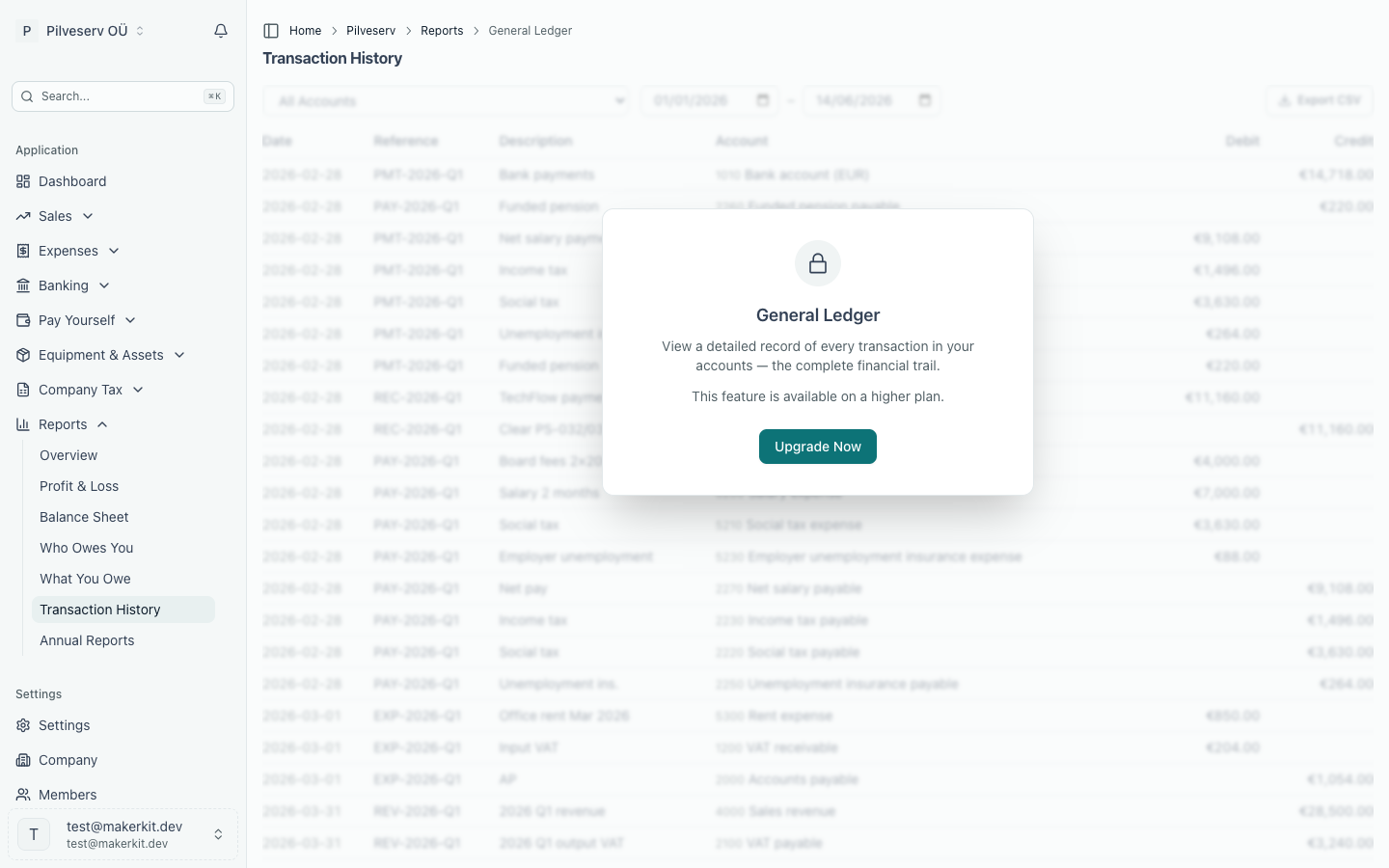
In the app this lives under Reports → Transaction History — the page itself notes it's "also known as the General Ledger", which is the name your accountant will use. It's the complete, chronological record of every posted accounting entry, and it can be read two ways:
- All accounts — one long journal of everything in the date range, with an account column on each line and grand totals of debits and credits at the bottom.
- One account — choose an account from the dropdown and the view changes: an opening balance row, each entry in order, a running balance after every line, and a closing balance at the end. This is the view for answering "how did this account get to that number?" If the account has sub-accounts — like the main bank account with a ledger per connected bank account — they are included, so the closing balance matches the line on the balance sheet, and each entry still shows which sub-account it belongs to.
The date range defaults to the year so far and accepts any from–to pair. Where an entry came from a document, the reference links straight to it — a sales invoice or a bank transaction — so the trail runs unbroken from report to ledger to source. And because posted entries can't be edited (only reversed with a new entry), the trail stays trustworthy.
Year-end and your accountant
When an accountant asks for "the ledger", this is the page: filter to the accounts they care about, or use Export CSV to hand over the whole period in one file. Each row carries its journal entry id, so the lines of one entry can be grouped and matched to the entry in a data export. Checking a handful of key accounts here — bank, receivables, tax — also fits naturally into the year-end checklist before the annual report is prepared.
More on what each plan includes under plans and billing.